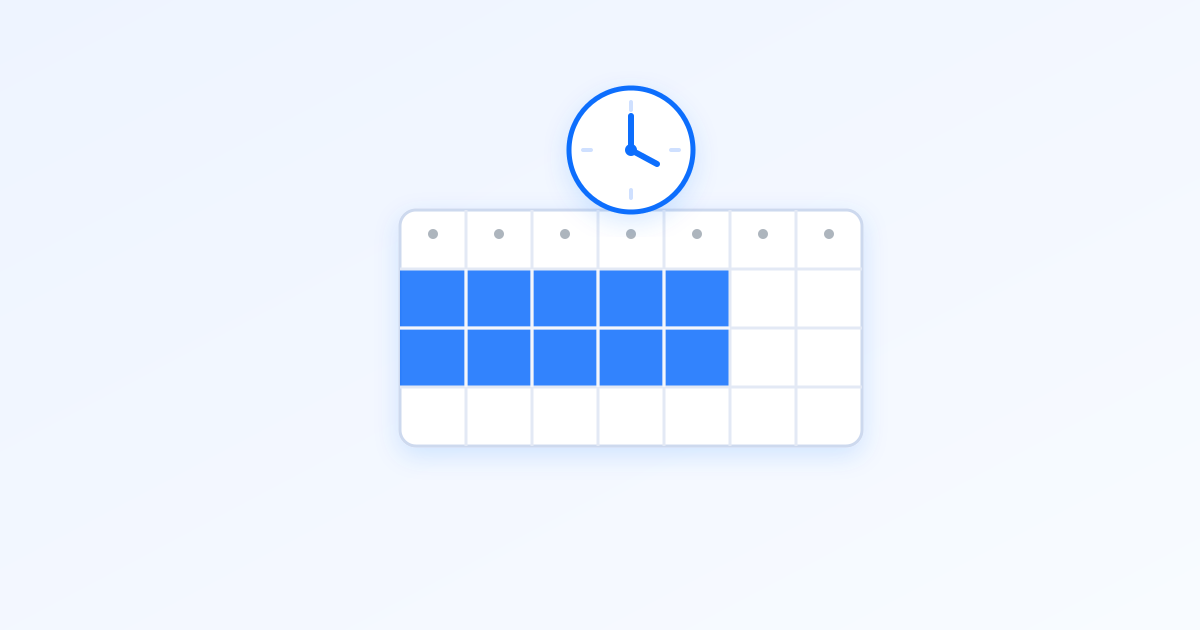
Introducing Active Hours
Hello FeelingSurf community!
We are excited to roll out a brand-new feature available to FeelingSurf Premium users: Active Hours.
With this feature, you can now define the exact hours of the week when your sites should receive traffic. Visits will be concentrated during your chosen hours, giving you more control and efficiency.
Why Active Hours?
- Get more control: schedule visits only when it matters.
- Match your audience: align traffic with your visitors’ real activity patterns.
- Save credits: avoid sending visits during off-hours when they bring less value.
This makes it easier than ever to manage your sites and maximize the impact of your traffic.
How to use Active Hours?
Step 1: Open your site limits
From Sites, click the visits limit shown for the website (for example 50 / h) to open its limits panel.
Step 2: Go to the Active hours tab
In the limits panel, switch to the new Active hours tab.
Step 3: Set your weekly schedule
Highlight the hours you want to receive traffic. You can enable all, disable all, or use quick presets like Mon–Fri 09–17.
Step 4: Choose your time zone (optional)
If you want your site to follow a specific time zone, select it. Otherwise, your account time zone (detected automatically by default) is used.
Step 5: Save and confirm
Click Save. A clock icon then appears next to the site, confirming Active Hours are enabled.
More about Active Hours
- Available exclusively to Premium accounts.
- Works with both visits distribution types.
- Each site can have its own custom schedule.
- If no hours are set, your site remains active 24/7 by default.
Conclusion
The new Active Hours feature gives Premium users precise control over when their sites receive traffic. Use it to align visits with your audience, optimize your credits, and get the most out of FeelingSurf.
Upgrade to FeelingSurf Premium today and unlock Active Hours along with many other powerful features.