Introducing website templates
As a traffic exchange platform, FeelingSurf lets you add multiple websites to send traffic to. Before website templates existed, every time you added a website you had to configure every option from scratch:
- traffic source — where the traffic appears to come from,
- countries (geo-targeting) — limit or exclude where traffic comes from,
- devices — desktop computers, tablets or mobile devices,
- visit duration — how long visitors stay on your website,
- actions — have visitors click links, scroll or refresh the page,
- traffic limits — how many visits you want per hour, per day or in total.
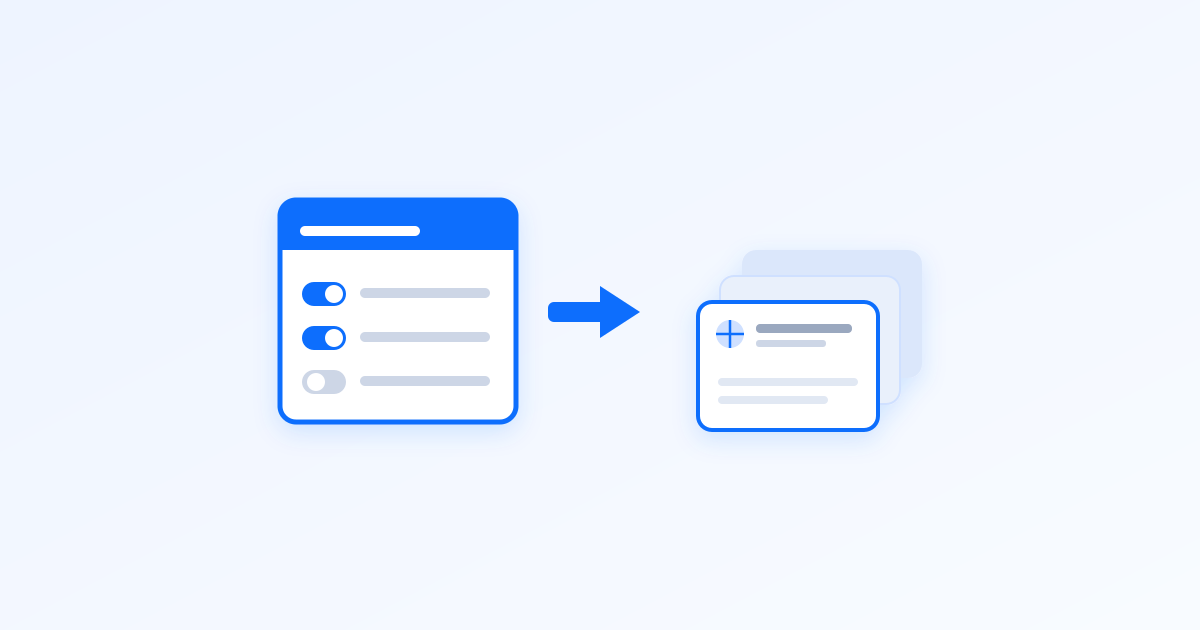
To save you time, we introduced website templates: reusable templates that bundle all the options a website can have, so you can apply them when adding new websites.
How it works
Manage templates from your websites: click Manage > Your website templates. The list is empty by default — click Add a website template to create one.
Configuring a template is just like adding a website: pick a template name and set the options as desired. Once saved, it appears in your templates list.
The point of templates is to speed up adding websites. Go back to your websites, click Add websites, and select the template you want to use — this pre-fills all options to match the template. Click Save changes and your website is added. Congratulations!
Closing thoughts
Website templates let you add new websites in seconds. Best of all, they’re available for free to all FeelingSurf users, and you can have up to 100 templates on your account.
Don’t have a FeelingSurf account yet? Join our free traffic exchange platform and receive 100 visits as a welcome gift.